PCB Power Transformer Guide: Selection, Types & Practical Tips

  • avatar
  • 72 Views
  • 7 mins read

At first glance, selecting a PCB power transformer may seem straightforward. Matching the voltage with circuit requirements appears sufficient. However, in practice, research and practical observations in electronics design show that transformer selection involves much more than simply matching specifications.

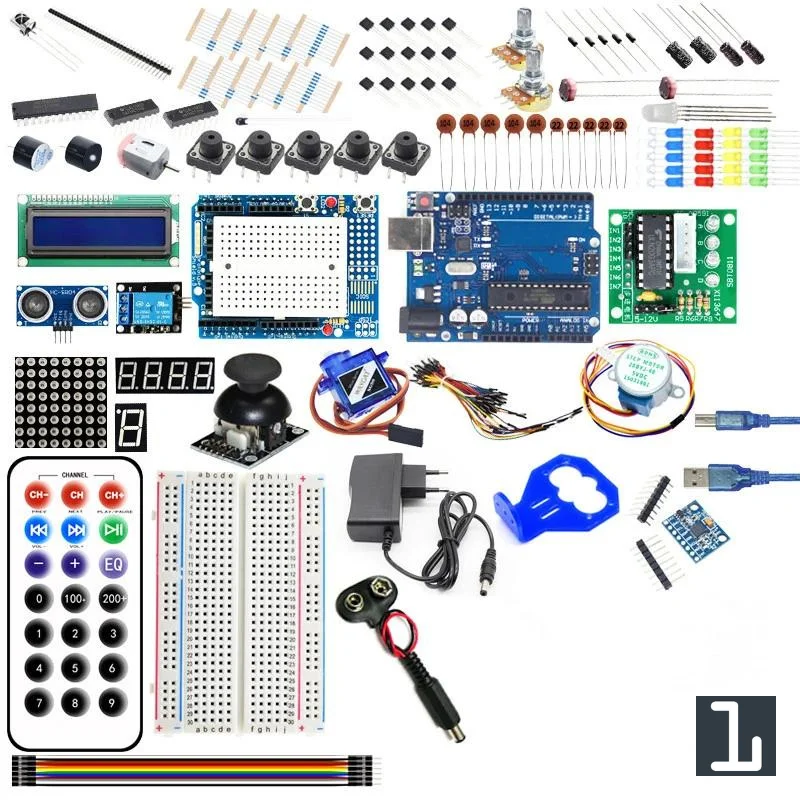
Getting started with Arduino

  • avatar
  • 132 Views
  • 9 mins read
Preview image

Arduino is a small programmable board that lets you control real electronic components with code. You can connect sensors, buttons, motors, LEDs, displays, and many other modules, then write a few lines in C or C++ to decide how everything should behave. The board reads inputs, processes them in real time, and reacts through its output pins. To start building solid projects, it is important to understand how the boards work, how to choose the right model, how to set up the development tools, and how key electronics concepts such as resistors, transistors, communication protocols, and PWM fit together in a practical circuit.

Getting started with Arduino Due

  • avatar
  • 358 Views
  • 6 mins read
Preview image

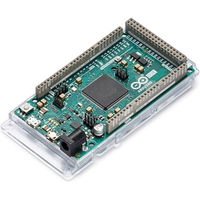
Arduino is an open-source electronics platform based on easy-to-use hardware and software. Arduino boards are able to read inputs - light on a sensor, a finger on a button, or a Twitter message - and turn it into an output - activating a motor, turning on an LED, publishing something online. You can tell your board what to do by sending a set of instructions to the microcontroller on the board. To do so you use the Arduino programming language and the Arduino Software (IDE).

 Join Our Monthly Newsletter

Get the latest news and popular articles to your inbox every month

We never send SPAM nor unsolicited emails

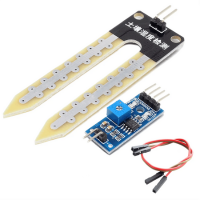
Soil moisture sensor with Arduino

  • avatar
  • 3.0K Views
  • 1 Like
  • 9 mins read
Preview image

Soil moisture modules are a simple and friendly way to check how wet your soil is using a pair of probes and a small control board. They offer two outputs you can use with Arduino: an analog signal that changes depending on how wet the soil is, and a digital signal that flips on or off when the moisture crosses a level you set with the onboard potentiometer. The whole setup is compact, cheap and very popular for plant care projects, garden automation and basic hobby experiments.

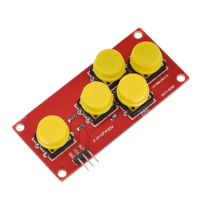
How to use the AD Keyboard module with Arduino

  • avatar
  • 1.7K Views
  • 7 mins read
Preview image

When working on simple Arduino projects that need basic navigation or input, the AD keyboard module is a handy little tool. It's a 5-button unit that behaves like a directional pad, with four arrow-style buttons and one additional button. It doesn't require any soldering or setup, which makes it a practical choice for prototyping or small projects. You can plug it in and start using it right away, thanks to its three-pin layout and built-in resistors.

Using the DS18B20 temperature sensor with Arduino Nano

  • avatar
  • 6.3K Views
  • 1 Like
  • 7 mins read
Preview image

The DS18B20 is a digital temperature sensor that comes in two versions: a small TO-92 package, and a waterproof variant often encased in a metal tube with a long cable. Both provide digital temperature readings and can be used in many indoor and outdoor projects. The DS18B20 uses a protocol called 1-Wire, which only needs one data line to communicate and can support multiple sensors on the same pin.

Getting started with the Arduino IDE

  • avatar
  • 1.7K Views
  • 1 Like
  • 6 mins read
Preview image

The Arduino IDE (Integrated Development Environment) is the main tool used to write, edit, and upload code to Arduino boards. It's designed to be simple enough for beginners while still providing enough functionality for more experienced users. With a clean interface and compatibility with a wide range of boards, it's the go-to software for working with Arduino hardware.

Controlling fan speed with Arduino using a potentiometer

  • avatar
  • 4.7K Views
  • 4 Likes
  • 5 mins read
Preview image

Adjusting a fan's speed using an Arduino is a great way to learn about PWM (Pulse Width Modulation) and motor control. With just a potentiometer and some simple wiring, you can create a smooth, manual speed adjustment system. This setup is useful for cooling electronics, ventilation projects, or any application where adjustable airflow is needed.

Using a motion sensor with Arduino

  • avatar
  • 2.7K Views
  • 7 mins read
Preview image

Motion sensors are essential in modern automation projects, playing a key role in security systems, smart lighting, and interactive devices. These sensors detect movement and trigger specific actions, making them useful for various applications. When paired with an Arduino, a motion sensor can be programmed to respond intelligently, creating an efficient and responsive system. This guide explains how motion sensors work, how to connect them to an Arduino, and how to write the code needed to make them function properly.

Choosing the right connector for electronic projects

  • avatar
  • 2.4K Views
  • 1 Like
  • 6 mins read
Preview image

Connectors play a fundamental role in electronic systems by linking components together to ensure smooth power flow and signal transmission. The right connector can have a significant impact on the performance and reliability of any system. In this article, we'll explore some of the most commonly used connectors, discuss their features, and help you choose the one that suits your specific requirements.