schema


Connecting a motor to Arduino

  • avatar
  • 4.1K Views
  • 1 Like
  • 7 mins read
Preview post image

Arduino microcontrollers are the heart of countless DIY projects, from robots to automated systems. To bring these projects to life, you often need to interface them with motors. In this guide, we'll walk you through the essential steps of connecting a motor to an Arduino using a separate power supply while ensuring control with precision using an NPN transistor. This approach allows you to harness the full potential of your motorized creations without overloading your Arduino.

How to use an analog module with Arduino

  • avatar
  • 4.5K Views
  • 1 Like
  • 4 mins read
Preview post image

The KY-023 is an easy-to-use analog joystick. The joystick uses a biaxial potentiometer to control the X and Y axis. It also has an integrated push button. In this tutorial, it is shown how to connect the KY-023 joystick with the Arduino and how to use it.

Using push buttons with Arduino

  • avatar
  • 4.5K Views
  • 2 Likes
  • 4 mins read
Preview post image

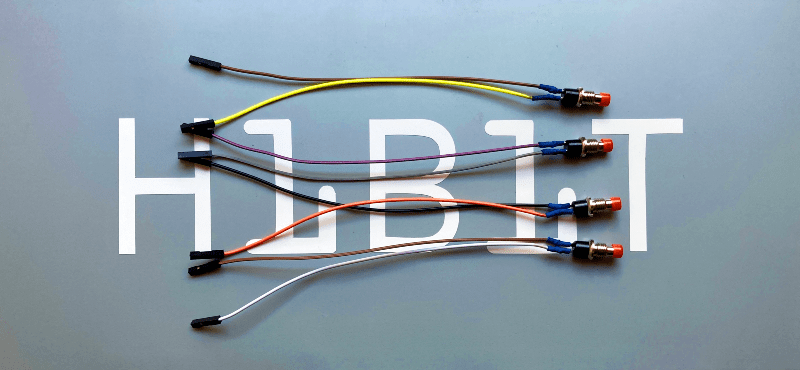
Today we are going to speak about push buttons, the wiring and how to implement the code for this circuit elements in Arduino. Push buttons connect two points in a circuit when you press them. That means that logic state of the circuit change when you press and keep pressed the button.

 Join Our Monthly Newsletter

Get the latest news and popular articles to your inbox every month

We never send SPAM nor unsolicited emails

Using transistors in electronic circuits

  • avatar
  • 3.9K Views
  • 2 Likes
  • 7 mins read
Preview post image

Transistors are fundamental semiconductor devices that revolutionized the world of electronics. Among various types of transistors, Bipolar Junction Transistors (BJTs) hold significant importance due to their widespread use in amplification, switching, and signal processing applications. This article will explore the two main types of BJT transistors: NPN and PNP. We will explore their basic structures, operating principles, and essential circuit elements required for their proper functioning.

Using touch sensor with Arduino

  • avatar
  • 4.0K Views
  • 4 mins read
Preview post image

Touch sensor (also known as touch button) is widely used to control devices. It detects touch, force or pressure on its surface changing the logic state of the circuit. Actually, it works in very similar way as to buttons. Checkout the wiring and Arduino code implementation to track the current state and the state changes.

Play Home Alone song with a piezo buzzer and Arduino

  • avatar
  • 3.9K Views
  • 3 Likes
  • 7 mins read
Preview post image

Home Alone has since been considered one of the best Christmas films and Somewhere in My Memory has been nominated as best original song. We wanted to recreate the melody of the film's theme song with a piezo buzzer and share with you. Buzzer is used to generate sound, beep or even melody of a song. It can be found in alarm devices, computers, timers and confirmation of user input such as a mouse click or keystroke.

Getting started with Arduino Uno

  • avatar
  • 3.9K Views
  • 1 Like
  • 5 mins read
Preview post image

Arduino is an open-source electronics platform based on easy-to-use hardware and software. Arduino boards are able to read inputs - light on a sensor, a finger on a button, or a Twitter message - and turn it into an output - activating a motor, turning on an LED, publishing something online. You can tell your board what to do by sending a set of instructions to the microcontroller on the board. To do so you use the Arduino programming language and the Arduino Software (IDE).

How to use tricolor LED module with Arduino

  • avatar
  • 4.1K Views
  • 3 Likes
  • 4 mins read
Preview post image

The KY-016 is capable of producing wide range of different colors by mixing blue, green and red lights. The RGB LED module will not require any limiting resistors. Those resistors are already integrated in the circuit, and so 5V can be directly used as power input.

Practical guide to ESP8266 for UDP servers and clients

Available to registered members only
  • avatar
  • 3.0K Views
  • 2 Likes
  • 15 mins read
Preview post image

The ESP8266 module has become a favorite among electronics enthusiasts for its low cost and powerful capabilities. This Wi-Fi module can be used in various ways, making it a versatile tool for many IoT applications. In this guide, we will explore how the ESP8266 can function as both a server and a client using UDP protocol.

Wi-Fi Integration with ESP8266 module

  • avatar
  • 2.9K Views
  • 11 mins read
Preview post image

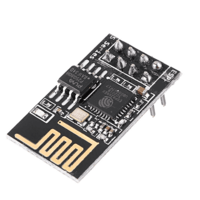
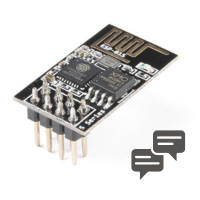
The ESP8266 has become an essential component in electronics, offering an affordable and compact means to integrate Wi-Fi connectivity into various projects. This tiny module has attracted a broad spectrum of users all aiming to implement smart home systems, IoT devices, and remote monitoring solutions. With its compact size, low power consumption, and seamless integration with Wi-Fi networks, the ESP8266 empowers innovators to create groundbreaking solutions in the digital age. The ESP8266 offers a user-friendly platform to bring your ideas to life. In this article, we will examine a particular variant of ESP8266 modules, specifically the ESP-01.