Arduino Uno


Pressure and temperature measurement with GY-65

  • avatar
  • 4.2K Views
  • 1 Like
  • 5 mins read
Preview image

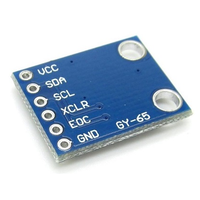
Precision monitoring of atmospheric conditions becomes a reality with the GY-65 module based on BMP085 sensor. Armed with the ability to measure temperature, pressure, and altitude, the GY-65 module opens up a world of possibilities for weather stations, altitude tracking devices, and other projects requiring accurate environmental data. In this article, we delve into the capabilities of the module, examining its features, connectivity with Arduino.

Using Arduino Serial Monitor tool

  • avatar
  • 3.9K Views
  • 1 Like
  • 4 mins read
Preview image

Arduino, a familiar name among DIY enthusiasts and electronics hobbyists, owes much of its popularity to its user-friendly Integrated Development Environment (IDE). One of the most invaluable tools within the Arduino IDE is the Serial Monitor. This feature plays a pivotal role in facilitating communication between your Arduino board and your computer, allowing you to monitor and control your projects in real-time. In this article, we'll explore the practical aspects of using the Arduino IDE and Serial Monitor, shedding light on how they can be harnessed for effective data exchange.

Using push buttons with Arduino

  • avatar
  • 4.7K Views
  • 2 Likes
  • 4 mins read
Preview image

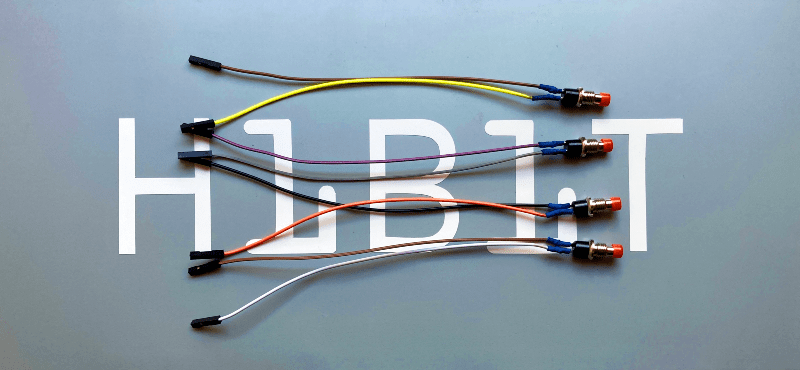
Today we are going to speak about push buttons, the wiring and how to implement the code for this circuit elements in Arduino. Push buttons connect two points in a circuit when you press them. That means that logic state of the circuit change when you press and keep pressed the button.

 Join Our Monthly Newsletter

Get the latest news and popular articles to your inbox every month

We never send SPAM nor unsolicited emails

Getting started with Arduino Uno

  • avatar
  • 4.2K Views
  • 1 Like
  • 5 mins read
Preview image

Arduino is an open-source electronics platform based on easy-to-use hardware and software. Arduino boards are able to read inputs - light on a sensor, a finger on a button, or a Twitter message - and turn it into an output - activating a motor, turning on an LED, publishing something online. You can tell your board what to do by sending a set of instructions to the microcontroller on the board. To do so you use the Arduino programming language and the Arduino Software (IDE).

Play Home Alone song with a piezo buzzer and Arduino

  • avatar
  • 4.1K Views
  • 3 Likes
  • 7 mins read
Preview image

Home Alone has since been considered one of the best Christmas films and Somewhere in My Memory has been nominated as best original song. We wanted to recreate the melody of the film's theme song with a piezo buzzer and share with you. Buzzer is used to generate sound, beep or even melody of a song. It can be found in alarm devices, computers, timers and confirmation of user input such as a mouse click or keystroke.

DIY - Universal RC Joystick: receiver

  • avatar
  • 4.1K Views
  • 1 Like
  • 8 mins read
Preview image

Wireless communication implies having a transmitter, in our case the joystick, and a receiver. We must build a simple circuit with NRF24L01 wiring that will act as listener for our joystick. The NRF24L01 module strictly needs 3.3V but the logic pins are 5V tolerant. That why we recommend to use the NRF24L01 adapter which acts as regulator, keep the voltage stable, apply filtering and reduce noises.

How to use tricolor LED module with Arduino

  • avatar
  • 4.3K Views
  • 3 Likes
  • 4 mins read
Preview image

The KY-016 is capable of producing wide range of different colors by mixing blue, green and red lights. The RGB LED module will not require any limiting resistors. Those resistors are already integrated in the circuit, and so 5V can be directly used as power input.

Soil moisture sensor with Arduino

  • avatar
  • 3.0K Views
  • 1 Like
  • 9 mins read
Preview image

Soil moisture modules are a simple and friendly way to check how wet your soil is using a pair of probes and a small control board. They offer two outputs you can use with Arduino: an analog signal that changes depending on how wet the soil is, and a digital signal that flips on or off when the moisture crosses a level you set with the onboard potentiometer. The whole setup is compact, cheap and very popular for plant care projects, garden automation and basic hobby experiments.

DIY - Automated plants watering system: code

  • avatar
  • 3.5K Views
  • 2 Likes
  • 8 mins read
Preview image

Having outlined the concept of automated watering and successfully assembled the physical components, our attention now turns to the real wizardry - the code. This article explores the intricate lines of Arduino code that transform theory into reality, breathing life into our DIY plant care project. As we step into the heart of our automated watering system, let's unravel the details that make our green vision a reality.

Using switch buttons with Arduino

  • avatar
  • 3.8K Views
  • 3 Likes
  • 4 mins read
Preview image

Let's speak now about switch buttons, the wiring and how to implement the code for this circuit elements in Arduino. Switch buttons connect two points in a circuit when you press them and maintain the state without the need to keep the button pressed. That means that logic state of the circuit change every time you press the button.