Arduino Uno


DIY - Universal RC Joystick: concept

  • avatar
  • 2.2K Views
  • 3 Likes
  • 4 mins read
Preview image

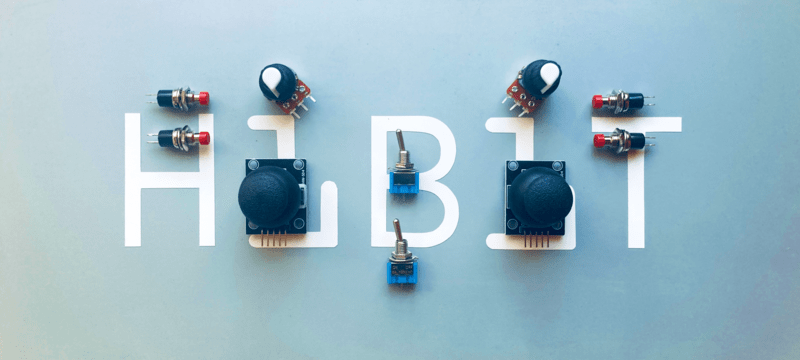
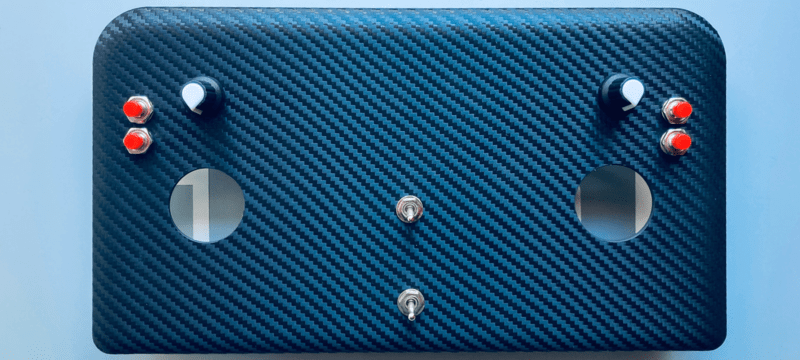
Controlling devices over a distance opens lots of possibilities. Our Arduino roadmap contains many projects that must be controlled remotely and sometimes on a long-distance. Of course, it can be done with a PC but our experience has shown that it becomes complicated when you need long way, portable and rapid communications. Our solution was designing a multi-functional remote controller, we have called it AirControl.

DYI - Programmed Christmas lights: mounting

  • avatar
  • 1.4K Views
  • 8 mins read
Preview image

Now that you're excited about the idea of custom Christmas lighting, it's time to focus on how to physically set everything up. Mounting is where your lighting project starts to take shape, turning ideas into something tangible. It’s the process of preparing and connecting the components that will bring your design to life. In this part, we'll focus on setting up the physical structure for your lighting. We'll outline how to connect your lights, controller, and power source to create a functional base for your project.

DYI - Programmed Christmas lights: concept

  • avatar
  • 1.3K Views
  • 2 mins read
Preview image

The holiday season is here, and with it comes the joy of decorating and spreading cheer. One way to make your celebrations truly stand out is by creating your own custom Christmas lighting. A DIY project brings a personal touch, turning ordinary lights into something unique and memorable. Besides the festive fun, it's a creative way to learn and experiment with technology.

 Join Our Monthly Newsletter

Get the latest news and popular articles to your inbox every month

We never send SPAM nor unsolicited emails

Getting started with Arduino Due

  • avatar
  • 360 Views
  • 6 mins read
Preview image

Arduino is an open-source electronics platform based on easy-to-use hardware and software. Arduino boards are able to read inputs - light on a sensor, a finger on a button, or a Twitter message - and turn it into an output - activating a motor, turning on an LED, publishing something online. You can tell your board what to do by sending a set of instructions to the microcontroller on the board. To do so you use the Arduino programming language and the Arduino Software (IDE).

Getting started with Arduino

  • avatar
  • 136 Views
  • 9 mins read
Preview image

Arduino is a small programmable board that lets you control real electronic components with code. You can connect sensors, buttons, motors, LEDs, displays, and many other modules, then write a few lines in C or C++ to decide how everything should behave. The board reads inputs, processes them in real time, and reacts through its output pins. To start building solid projects, it is important to understand how the boards work, how to choose the right model, how to set up the development tools, and how key electronics concepts such as resistors, transistors, communication protocols, and PWM fit together in a practical circuit.