
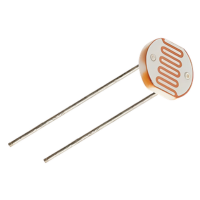

A light dependent resistor is a component that changes its electrical resistance according to how much light falls on it. Bright light makes it conduct easily, darkness makes it conduct poorly, and an Arduino can turn that difference into a number. It arrives in two forms. The raw component is a small disc with two legs, and it needs one extra resistor to work. The other form is a sensor module, a small board with the component already soldered on together with everything else the circuit needs, ready to connect to the Arduino with three or four jumper wires. Both versions do the same job and both show up in real projects. Automatic garden lights, night lights, display backlight dimming or simple daylight loggers all work on the same principle.
Arduino Modules
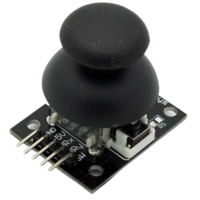
Analog joystick
Read more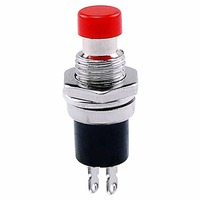
Push button
Read more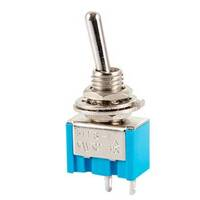
Switch button
Read more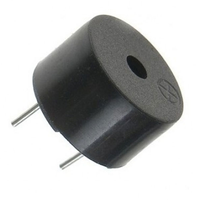
Buzzer
Read more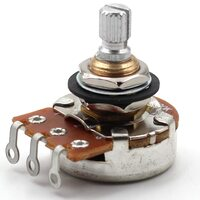
Potentiometer
Read more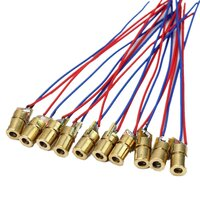
Laser module
Read more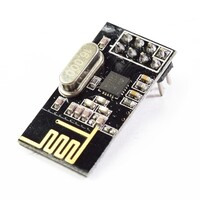
NRF24L01 module
Read more
Tricolor LED module
Read more
Voltage regulator
Read more
MPU6050 module
Read more
MPU9250 module
Read more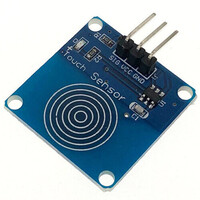
Touch module
Read more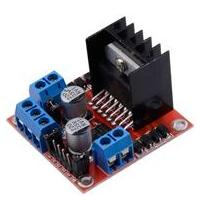
L298N module
Read more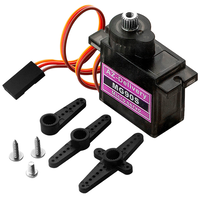
Servo motor
Read more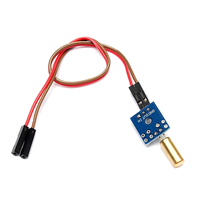
Tilt sensor
Read more
GY65 module
Read more
GY68 module
Read more
LED module
Read more
Water pump
Read more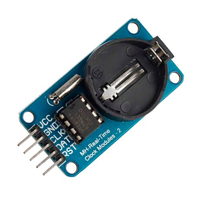
DS1302 Module
Read more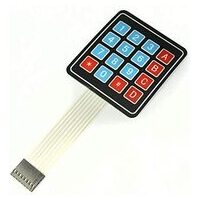
Keypad Module
Read more
Servo PT platform
Read more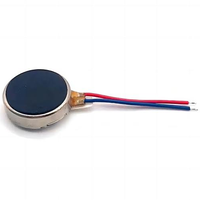
Vibration Motor
Read more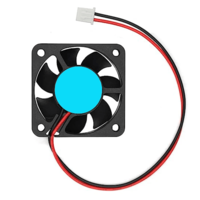
Fan
Read more
SIPO Shift Registers
Read more
PIR Sensor
Read more
RF-Nano
Read more
PISO Shift Registers
Read more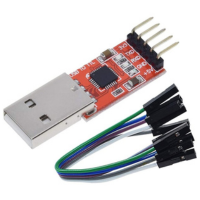
USB Serial Adapter
Read more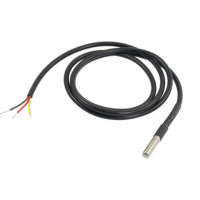
Temperature Stick
Read more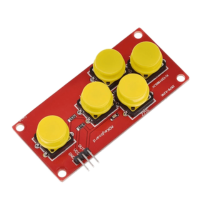
AD Keyboard
Read more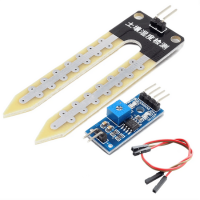
Soil Moisture Module
Read more
DS3231 Module
Read moreRecent Arduino guides
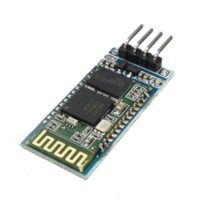
Getting started with the HC-06 Bluetooth module
Adding wireless communication to an Arduino project usually starts with a Bluetooth serial module, and the HC-06 is one of the most common choices. It's cheap, widely available, and does one job well: it lets a phone or computer connect to your board and exchange data as if the two were joined by a cable. Four pins, one operating mode, and a small set of configuration commands is the whole picture. That simplicity comes with a real constraint though, and knowing it upfront saves time later, since the HC-06 only accepts incoming connections and can't reach out to another device on its own.

Serial communication between two Arduino boards
Getting two Arduino boards to talk to each other opens up projects that a single board can't handle on its own. You might have one board reading sensors in one corner of a room and another driving a display somewhere else, and the two need to share what they know. Serial communication is one of the simplest ways to make that happen, and it works with almost any Arduino model you have lying around. This article walks through connecting two Arduino Nano boards and passing data back and forth over their serial ports.
Need more information?
Get in touch
If there is anything we can do to help, feel free to contact us.
Try to formulate your doubts and/or questions in the most detailed way possible so we can answer all of them more quickly.