Arduino IDE


Using switch buttons with Arduino

  • avatar
  • 3.8K Views
  • 3 Likes
  • 4 mins read
Preview image

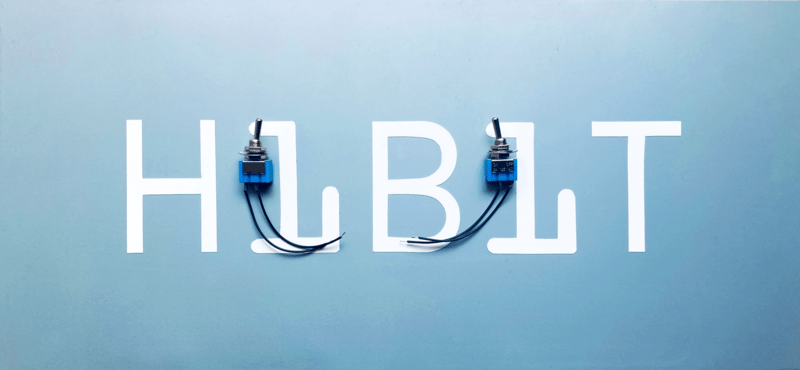
Let's speak now about switch buttons, the wiring and how to implement the code for this circuit elements in Arduino. Switch buttons connect two points in a circuit when you press them and maintain the state without the need to keep the button pressed. That means that logic state of the circuit change every time you press the button.
Connecting tilt sensor with Arduino

  • avatar
  • 3.3K Views
  • 1 Like
  • 5 mins read
Preview image

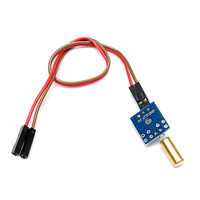
A tilt sensor is a type of sensor that can detect the orientation or tilt of an object relative to the force of gravity. It works by measuring the change in angle of the object with respect to the vertical axis.

Tilt sensors can be found in various forms, such as simple mechanical switches, mercury switches, and electronic sensors. They are commonly used in applications that require the detection of tilting or changes in orientation, such as in construction equipment, automotive safety systems, robotics, and gaming controllers.

Pull-up and Pull-down resistors

  • avatar
  • 3.8K Views
  • 4 mins read
Preview image

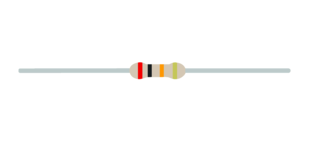
A resistor is a passive two-terminal electrical component that implements electrical resistance as a circuit element. In electronic circuits, resistors are used to reduce current flow and adjust signal levels among other uses. Resistance is measured in Ohm with a sign of Ω.

A microcontroller (e.g. Arduino) utilizes I/O signals for communication with external hardware devices, where the most commonly known being GPIO. As a reminder, digital logic circuits have three logic states: high, low and floating (or high impedance). When there’s nothing connected to your GPIO pins, your program will read a floating impedance state, which we do not want. To achieve either high or low states, we’ll have to implement pull-up or pull-down resistors in our digital circuit.

 Join Our Monthly Newsletter

Get the latest news and popular articles to your inbox every month

We never send SPAM nor unsolicited emails

DIY - Automated plants watering system: concept

  • avatar
  • 3.2K Views
  • 1 Like
  • 2 mins read
Preview image

In the world of do-it-yourself (DIY) projects, few activities match the practicality of constructing your own Arduino-powered automatic watering system. Imagine a setup where technology integrates effortlessly with nature, allowing you to take control of your plant care routine. We'll break down the fundamental components of this project, highlighting the vital role of the DS1302 timekeeping module and Arduino-compatible pumps. Get ready for a hands-on approach that not only enhances your technical skills but also transforms the way you care for your plants, whether they are in the corners of your home or under the open sky.

DIY - Remote control car running on Arduino: concept

  • avatar
  • 3.3K Views
  • 3 Likes
  • 4 mins read
Preview image

Radio control cars are small vehicles powered by electric or gas motors that can be remotely controlled by a transmitter. The transmitter sends signals to a receiver on the car, allowing the operator to control the car's speed, direction, and steering. Radio control cars are available in a variety of sizes, from miniature models that can fit in the palm of your hand to large off-road vehicles that can climb over rough terrain.

DIY - Universal RC Joystick: controls

  • avatar
  • 3.3K Views
  • 2 Likes
  • 3 mins read
Preview image

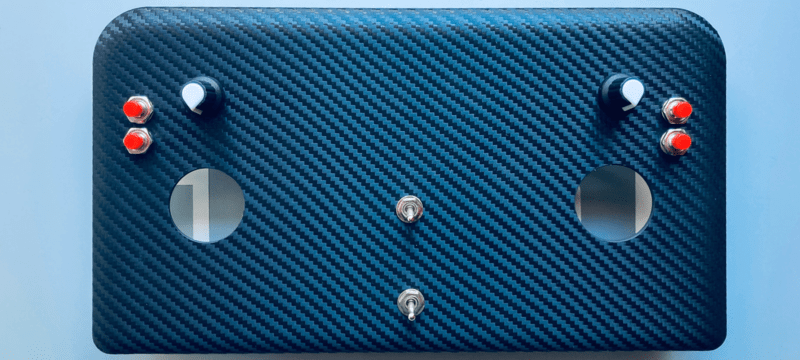
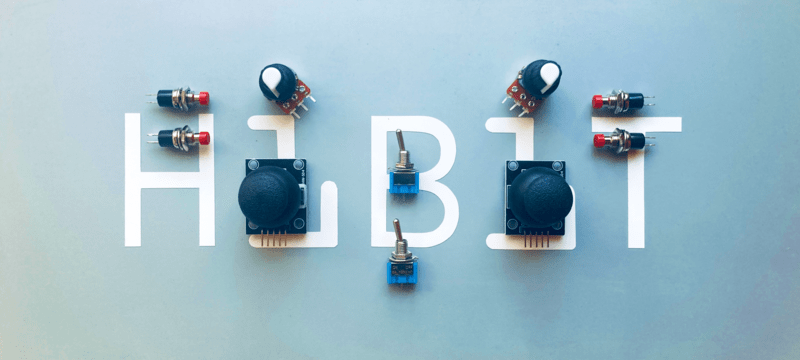
Based on the solution of designing multi-functional remote controller and being aware of the needs we started building the joystick. It will have 4 push buttons, 2 switch buttons, 2 potentiometers and two analog modules. And, additional 2 push buttons integrated on the analog joystick module.

Play The Simpsons theme song with Arduino and a buzzer

Available to registered members only
  • avatar
  • 2.7K Views
  • 1 Like
  • 5 mins read
Preview image

The Simpsons, that legendary animated series we all know and love, has become a cultural phenomenon. With its hilarious take on family life in Springfield, it's an absolute classic. We decided to have a bit of fun and recreate the show's iconic theme song using a piezo buzzer.

Buzzer is used to generate sound, beep or even melody of a song. It can be found in alarm devices, computers, timers and confirmation of user input such as a mouse click or keystroke. A piezo buzzer is not like a regular speaker that you might think of. It uses a material that actually changes shape when you apply electricity to it which in turn creates noise. The faster you bend the material, the higher the pitch of the noise that is produced.

DIY - Universal RC Joystick: mounting

  • avatar
  • 3.0K Views
  • 2 Likes
  • 6 mins read
Preview image

Based on the solution of designing multi-functional remote controller and being aware of the needs we started building the joystick. The cover with controls is ready for use but we miss the most important part: the microcontroller. Once more, our decision falls on Arduino Nano. It perfectly fits by size providing all the necessary functionality.

DYI - Programmed Christmas lights: code

  • avatar
  • 2.3K Views
  • 4 mins read
Preview image

Now that the hardware is set up, it’s time to add some magic with a custom program. Programming the Arduino Nano is where your project truly comes to life. This step transforms your fairy lights from simple decorations into a dynamic display that reacts and behaves exactly how you design it to. By using code, you can experiment with different effects, creating a lighting system that feels personal and unique. In this article, we’ll explore a sample code that controls the lights using predefined programs, offering a starting point for further creativity.

DIY - Universal RC Joystick: code

  • avatar
  • 2.9K Views
  • 2 Likes
  • 10 mins read
Preview image

The physical part of the controller is finished but what about the brain? Once more, our decision falls on Arduino Nano. It perfectly fits by size providing all the necessary functionality. For programming a Nano board we need a USB to serial interface which can be hooked up to the programing header located on the top side of our controller.